
Beginner’s Guide to AliExpress Trending Products
Discover the best AliExpress trending products with FindNiche — your ultimate free tool to track winning dropshipping items, analyze market trends, and find profitable niches in seconds. Perfect for beginners who want to start a successful eCommerce business today!
Ⅰ. Features and Uses
FindNiche provides a powerful AliExpress product database that allows you to search by keyword or apply multi-dimensional filters to quickly identify potential winning items. You can combine conditions such as price, sales volume, rating, and release date to precisely locate high-demand, low-competition products.
With real-time data and trend analysis, FindNiche helps you stay ahead of market changes and easily discover your next best-selling item.
Whether you’re exploring AliExpress trending products , analyzing top selling products on AliExpress , or searching for AliExpress hot products , FindNiche empowers you to find the best AliExpress products for your dropshipping or eCommerce business.
Ⅱ. How to Use
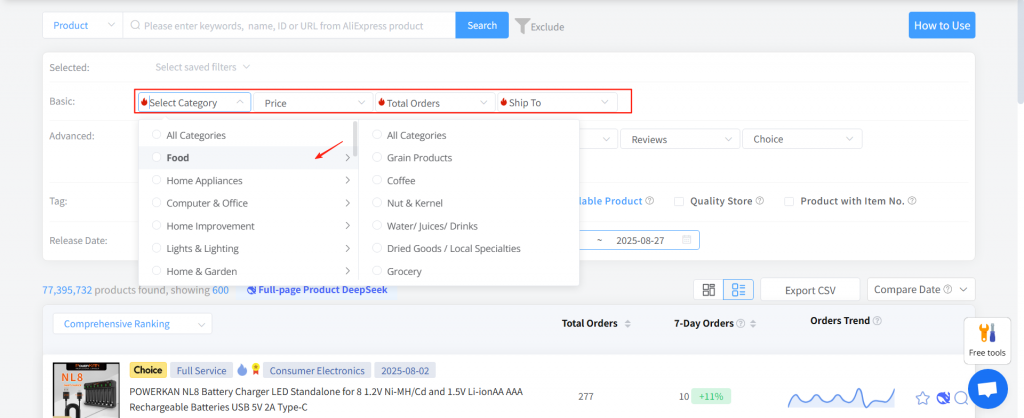
Basic Filters
Keyword Input : Search products or shops by keyword, product name, or product ID.
Category : Divided into primary and secondary categories, typically common product types.
Price Range : Enter a custom range for product prices.
Total Orders : Filter by total number of orders, selectable or customizable range.
Shipping Destination : Select one or multiple destination countries/regions.
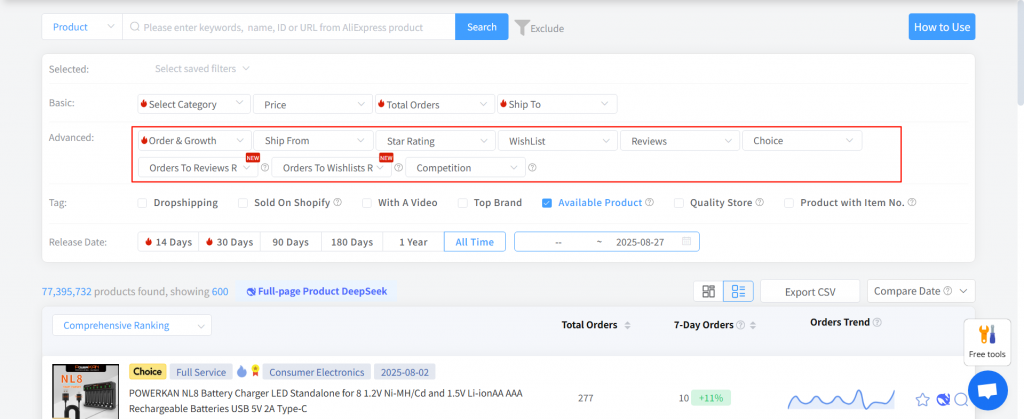
Advanced Filters
- Orders & Growth (7/30 days) : Filter products by growth rate in orders over 7 or 30 days.
- Shipping Location : Select one or multiple origin countries/regions.
- Ratings : Product ratings (5 stars max).
- Wishlist Count : Filter products by wishlist numbers.
- Reviews : Filter by the number of customer reviews.
- Fulfillment Type (Choice) : Includes fully managed, semi-managed, and POP models.
- Order-Review Ratio : Ratio of orders to reviews in the past 180 days.
- Order-Wishlist Ratio : Ratio of orders to wishlists (favorites) in the past 180 days.
- Competition Level : Number of sellers offering the same AliExpress product; the lower, the better.
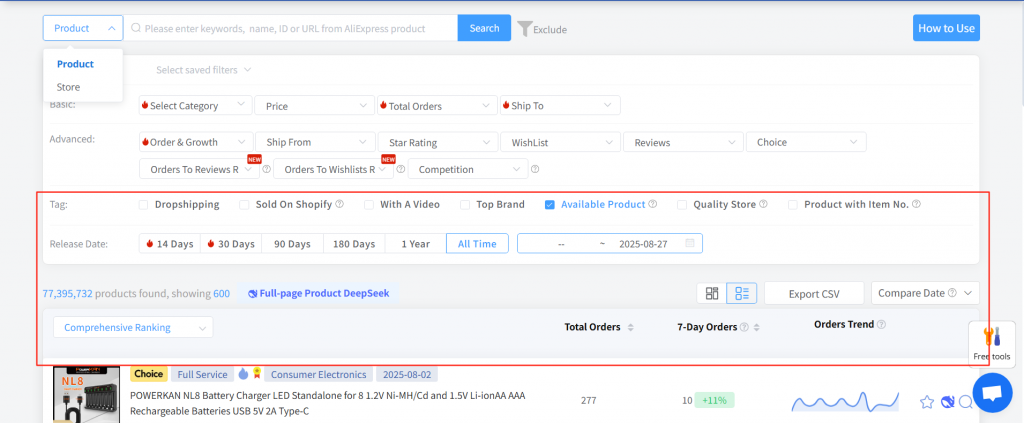
Tags & listing Time
- Tags : Multi-select available, with valid products checked by default.
- Listing Time : Filter products listed in specific or custom timeframes.
Data List
- Sorting : Dropdown menu at the top left of the data list, with 6 sorting methods.
- View Mode : Default is list view, switchable to image view.
- Export : Export all data from the list to a CSV file.
- Comparison Time : Select different time periods for recent orders (default is past 7 days).
4.1 Basic Data
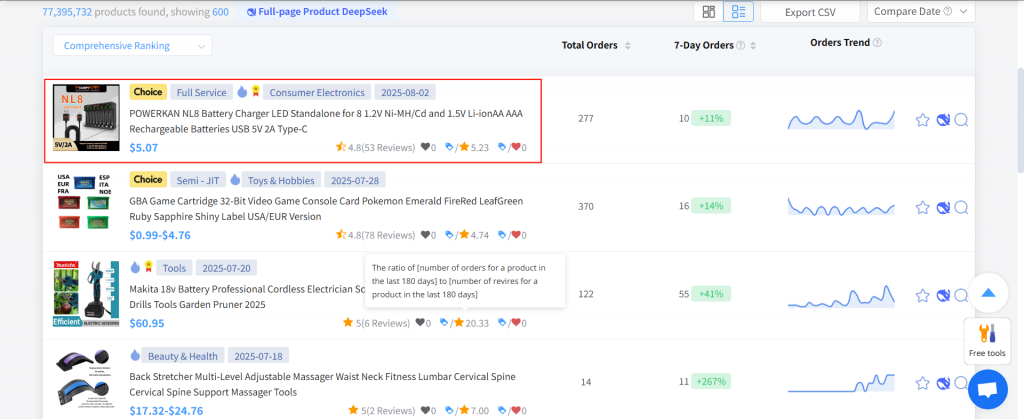
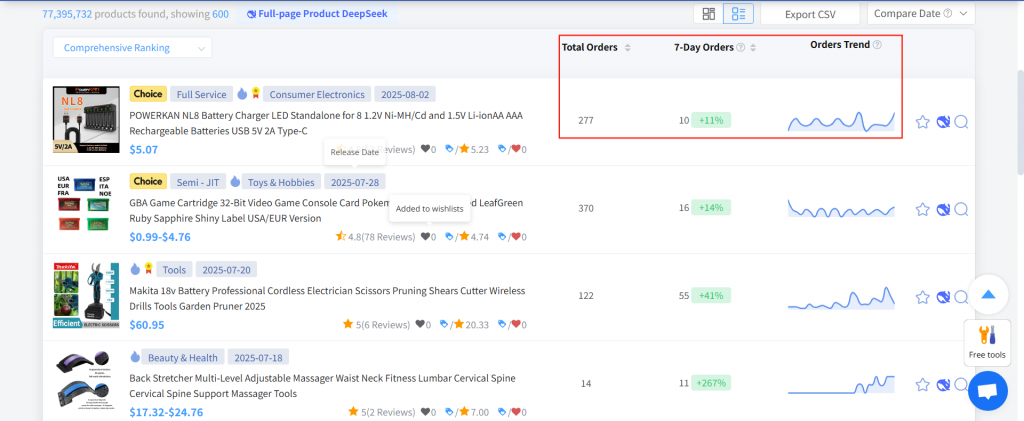
Each data entry includes: product image, title, Choice (AliExpress Choice), fulfillment type (Fully Managed, Semi-Managed, POP), number of active stores, top brand stores, video availability, category, listing date, price, rating, total reviews, total wishlist count, 6-month orders-to-reviews ratio, 6-month orders-to-wishlist ratio, total orders, 7-day orders, and order trend.
4.2 Trend Data
The right panel shows total orders, recent 7-day orders, and order trends.
4.3 Product Actions
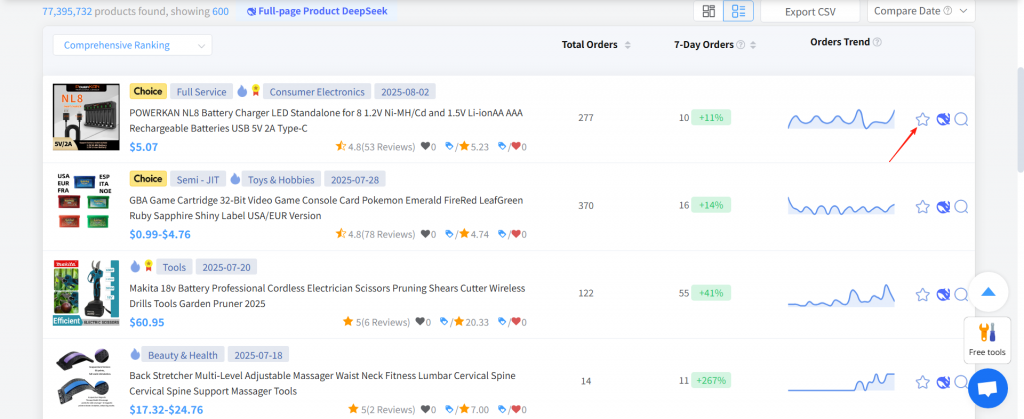
- Favorite : Click the star icon to save the product.
- Function: Favorited products are updated with priority. (If you have products you particularly care about, we recommend using the “Favorite Products” feature — items or stores in your favorites list are updated daily.)
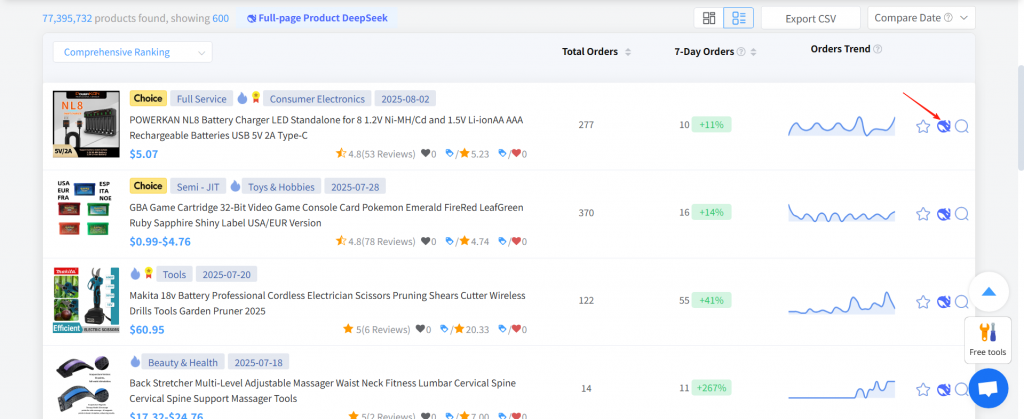
- DeepSeek Follow-Sell Analysis: Provides follow-up selling analysis and recommendations for your reference.
- Image Source Search :
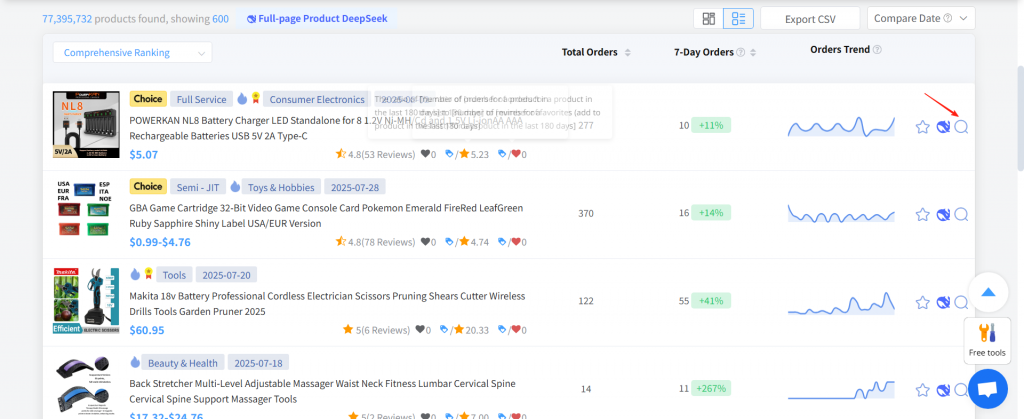
- Clicking opens a pop-up with sourcing information. Sourcing information from 1688 and AliExpress
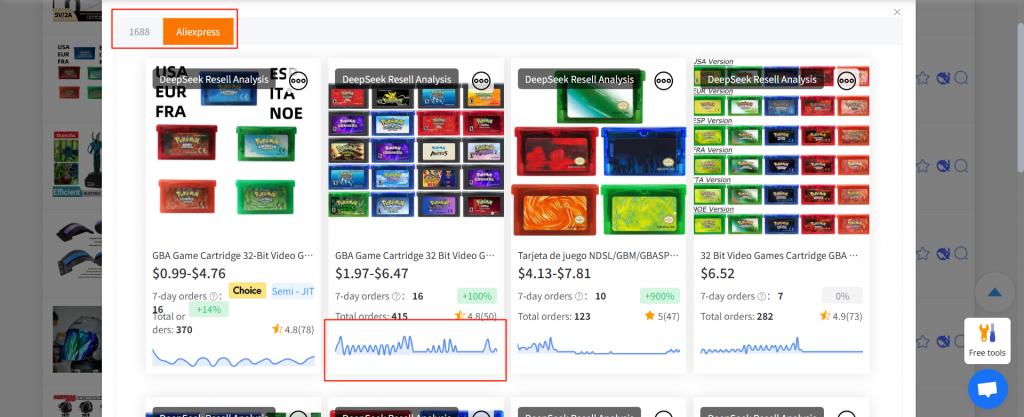
- Clicking the image or title redirects to sourcing details.
- View sales from the past 30 days below.
- Switch tabs above to view sourcing on 1688 or AliExpress.
4.4 Product Details
- Click anywhere on a product in the list to open the product detail page.
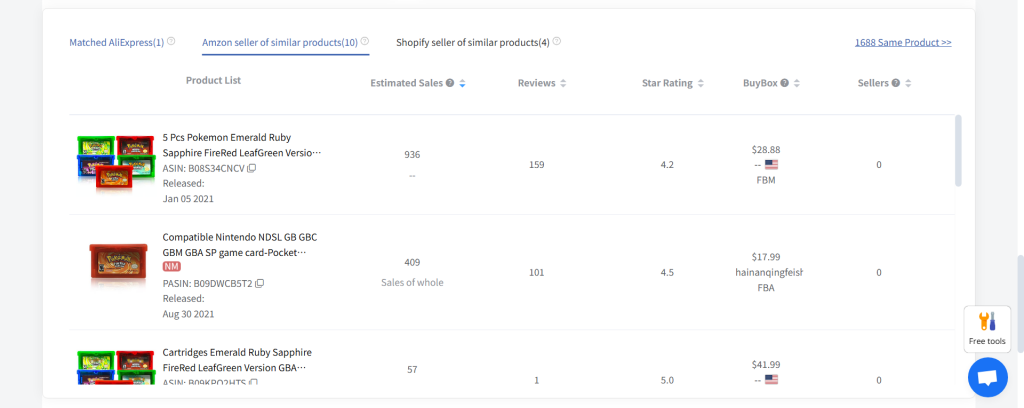
- The detail page shows basic product information .
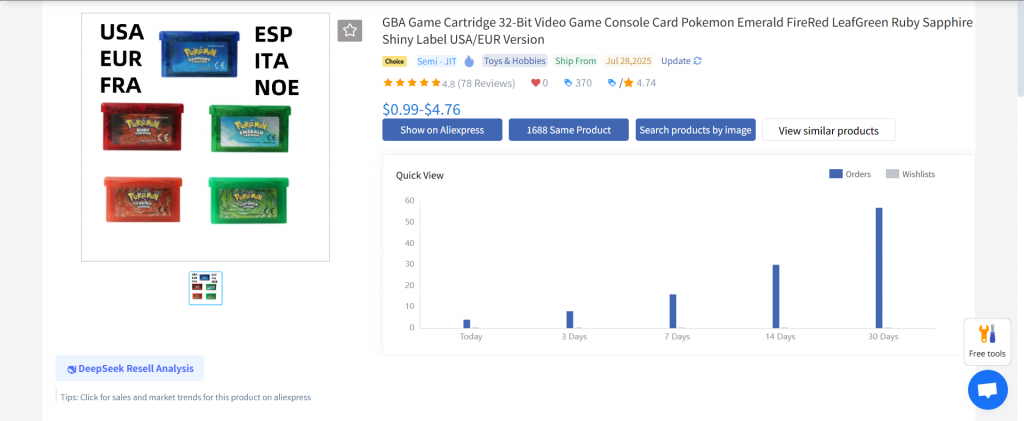
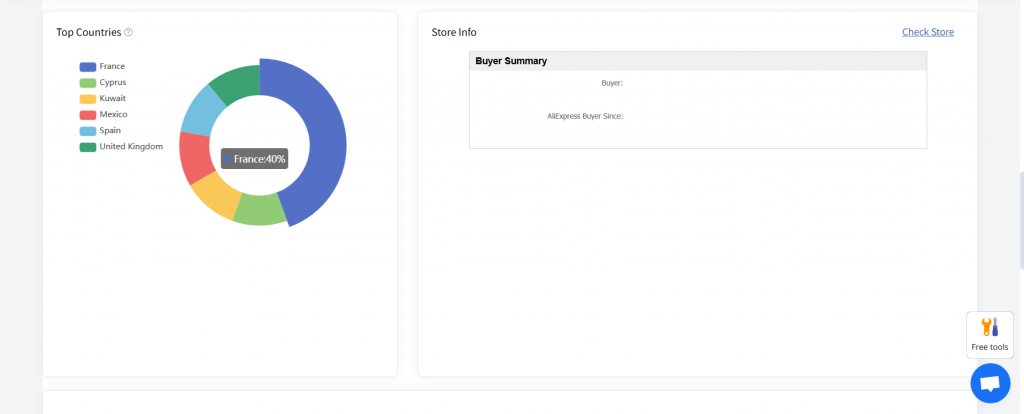
- Scrolling down reveals product performance, shipping distribution chart, and store info.Displays the historical trends of product orders, total wishlist count, and price — allowing users to visually understand the product’s sales performance, customer purchase intent, and price movement.
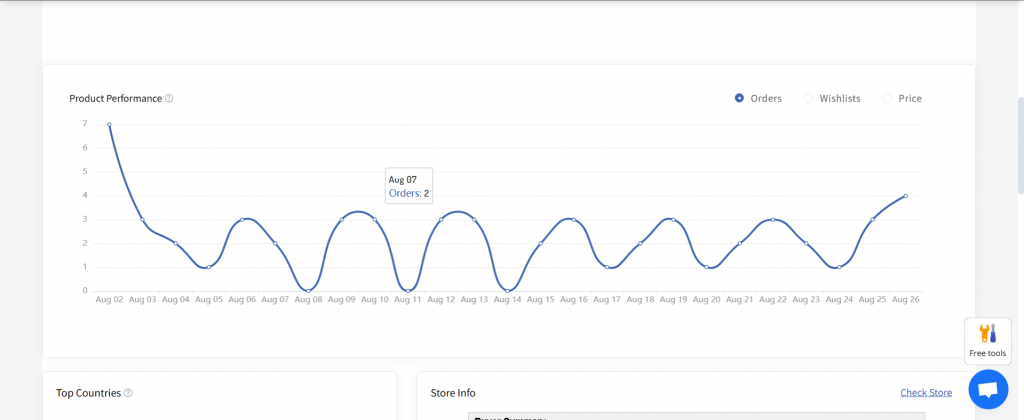
- Click to view the AliExpress store for more seller details.
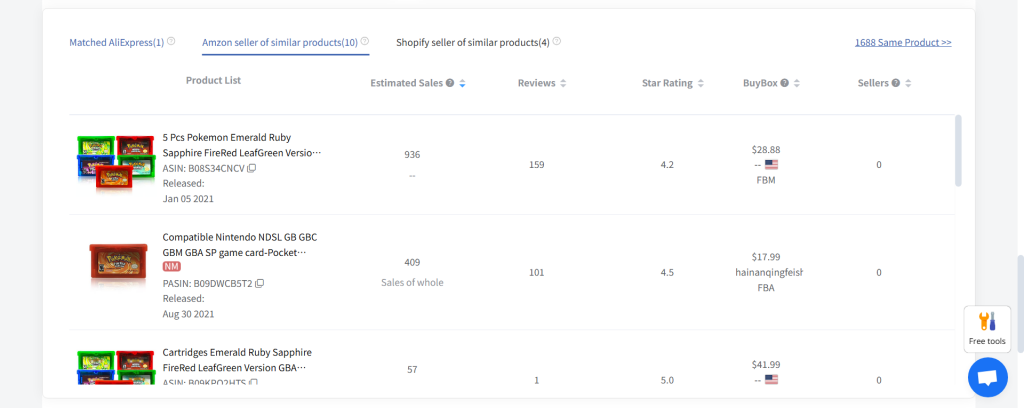
- Displays a list of the same product from different platforms.Mainly reflects the product’s competitiveness on AliExpress as well as its overall competitiveness across the entire platform.
Ⅲ. Permissions
Free users, Basic Plan users, Elite Plan users, and Premium Plan users all have access. Specific usage limits depend on the plan details .